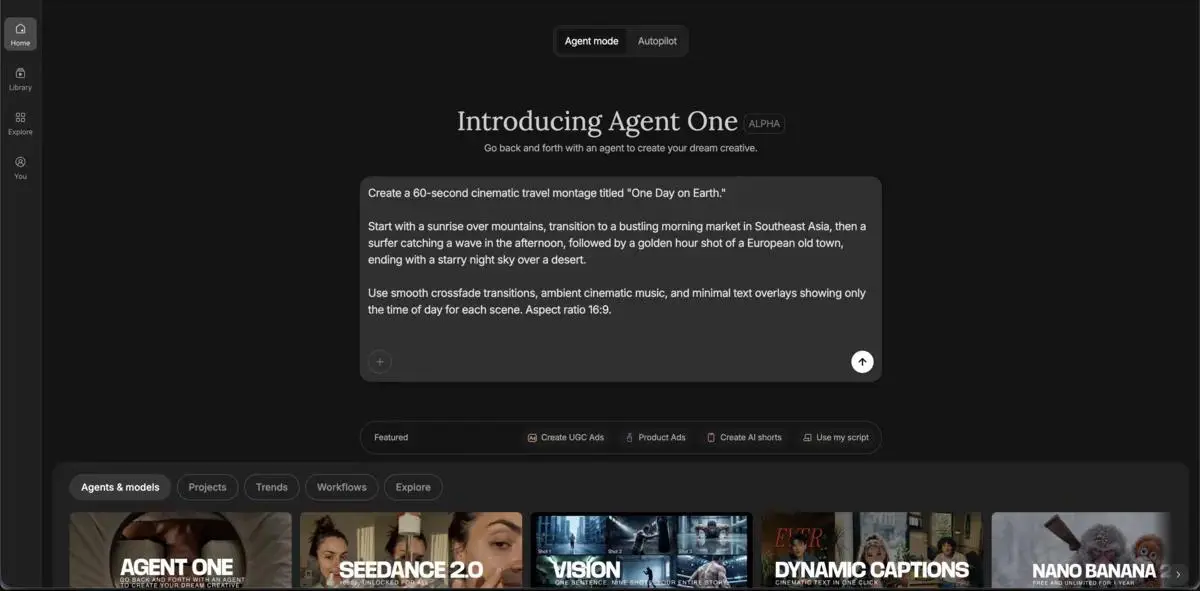
Home - AI Image Tools - InVideo
InVideo AI Tool Logo

Pricing model: $20.00 Per Month

Follow in social:

InVideo

InVideo AI: Explore AI Video Creation & Editing

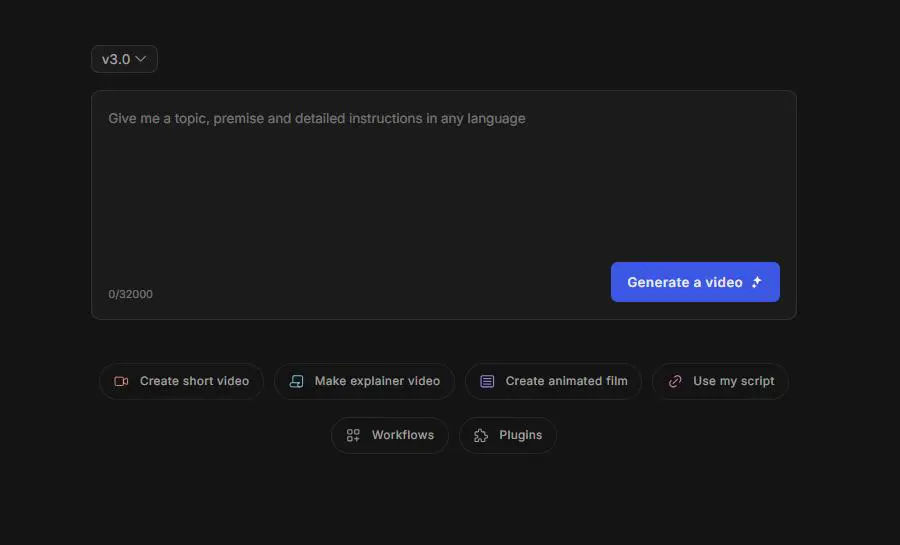
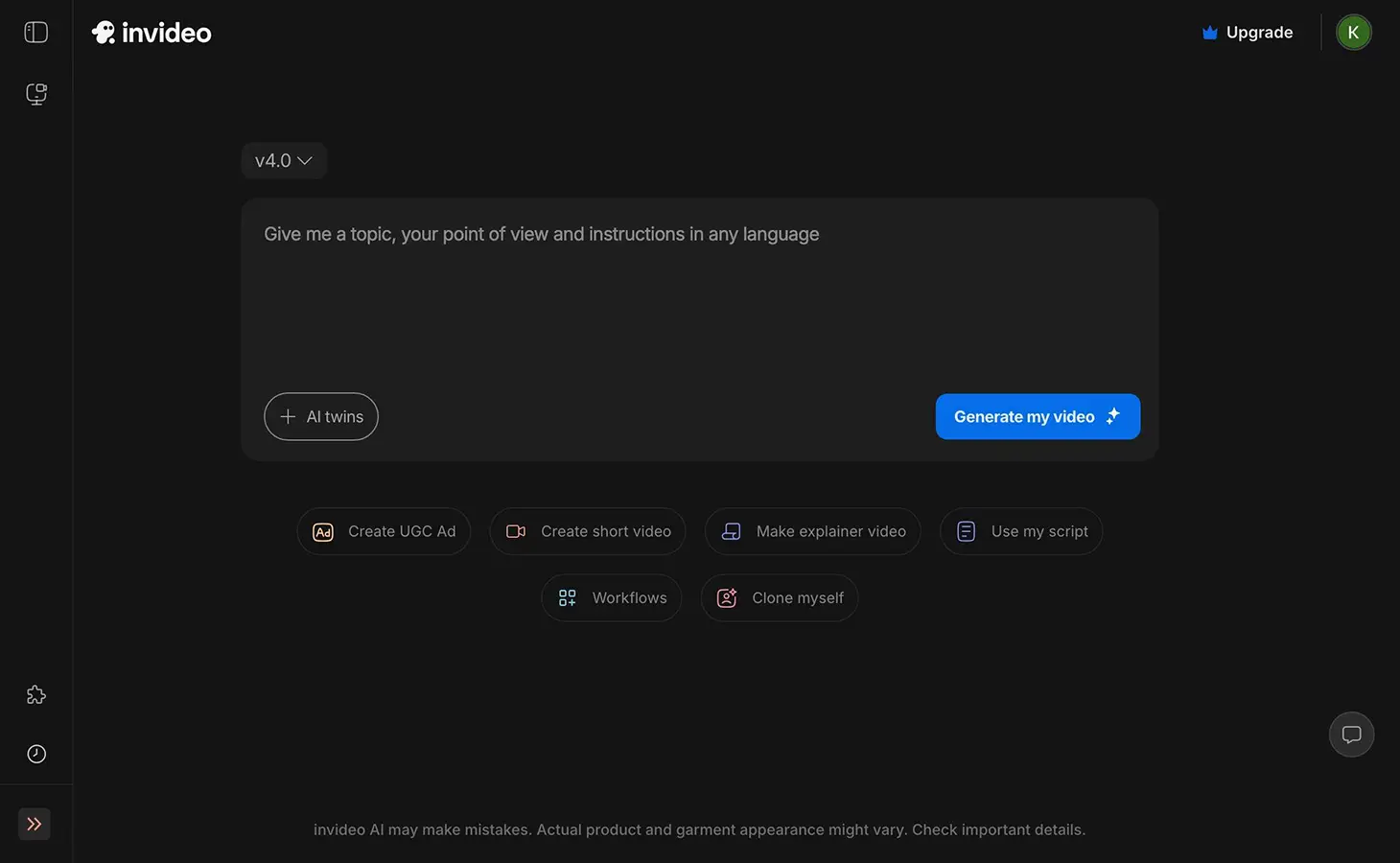
InVideo AI is an AI-powered video creation platform for generating and editing videos from text prompts. Explore its AI video generation, editing tools, stock media, voiceovers, and creative workflows to produce content for marketing, social media, education, and business.
Use Case
Image Generation
Video Creation
Audio & Voice
Target Audience
Beginners
Marketers
Designers / Creators
Business / Teams
Output Type
Image
Video
Audio
Pricing Model
Subscription
Enterprise
Free Plan​
No
API Access
Yes
Platform / Access Type
Web App
Limitations
Free plan limited
Watermark
Usage Limit
Feature Restrictions
Plan Restrictions
Team & Collaboration
Enterprise
Team Workspace
Basic Collaboration

Tool Overview

What Is InVideo AI?

InVideo AI is an AI-powered video creation and editing platform that helps users generate videos from text prompts, scripts, and other inputs. It combines AI video generation with editing, stock media, voiceovers, music, and visual assets in a single web-based workspace.

The platform is designed for creating a wide range of content, including social media videos, marketing content, educational videos, product presentations, and business communications. Its AI-powered workflows can generate and modify multiple parts of a video while giving users tools to refine the final result.

What Can You Use InVideo AI For?

Social Media Videos

Create short-form videos and other social content for platforms such as YouTube, Instagram, TikTok, and Facebook.

Marketing & Promotional Content

Produce promotional videos, advertisements, product presentations, and campaign content without traditional video production workflows.

Educational Videos

Create tutorials, explainer videos, lessons, and other educational content from scripts or text prompts.

YouTube Content

Generate videos from ideas, scripts, or prompts and use AI-assisted editing to speed up the YouTube production process.

Product Videos

Create product demonstrations, feature explainers, and other visual content for showcasing products and services.

Business Videos

Produce presentations, announcements, internal communications, and other professional video content for businesses and teams.

AI-Powered Video Editing

Use AI-assisted editing tools to modify scenes, scripts, media, and other elements without manually rebuilding the entire video.

Image & Visual Content

Generate or incorporate AI-generated images, stock footage, graphics, and other visual assets into video projects.

Who Is InVideo AI For?

Beginners

For users who want to create videos with AI without needing advanced video editing or production skills.

Marketers

For marketers producing social media content, advertisements, promotional videos, and product-focused content.

Designers / Creators

For content creators and designers who need AI-assisted video generation, editing, visuals, voiceovers, and stock media.

Business / Teams

For businesses and teams creating marketing materials, presentations, internal communications, and other professional videos.

Key Features

AI Video Generation

Generate complete videos from text prompts, ideas, scripts, or other instructions using AI-powered workflows.

AI Video Editing

Edit and refine generated videos using AI-assisted tools for modifying scenes, scripts, visuals, audio, and other elements.

AI Agents

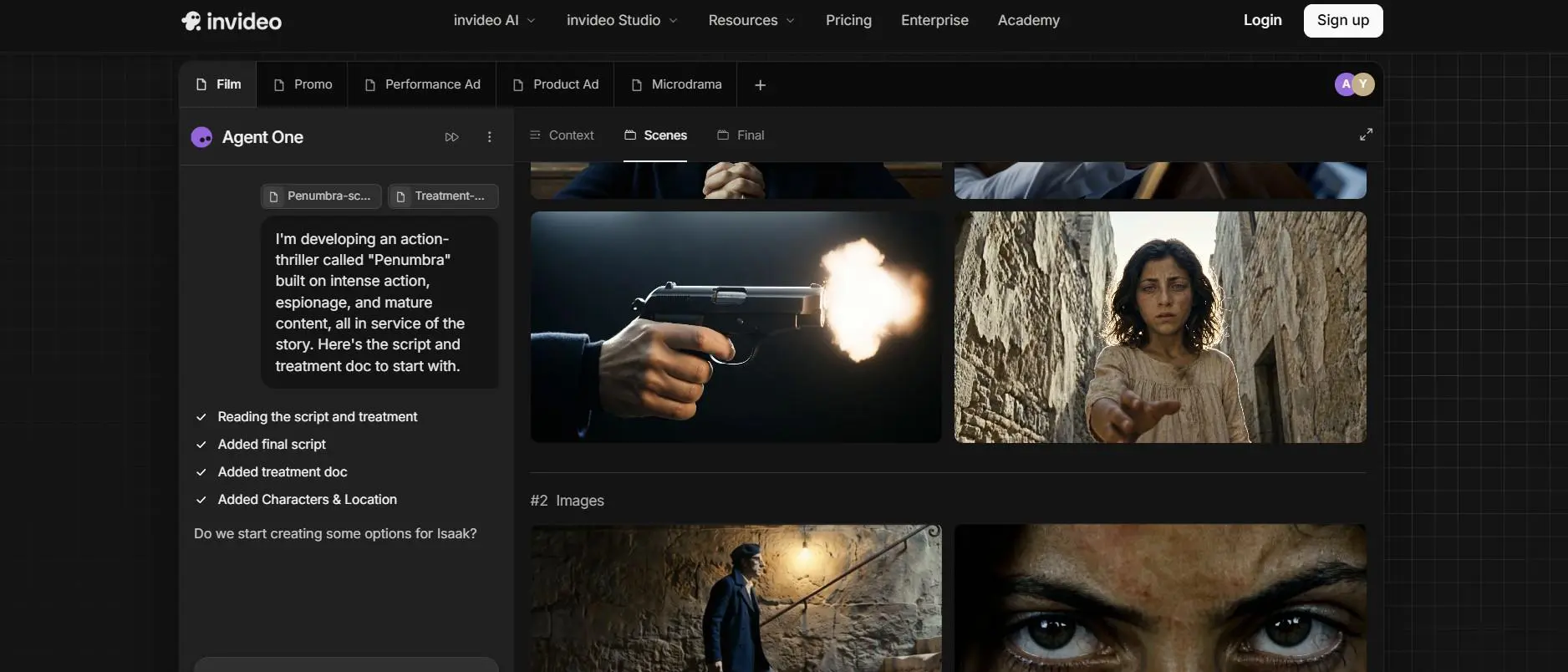
Use AI agents to handle complex video creation and editing tasks through natural-language instructions.

Storyboard Creation

Generate structured storyboards that break a video concept into individual scenes before production.

Multitrack Timeline

Edit videos using a multitrack timeline with separate layers for video, audio, and other media elements.

AI Voiceovers

Generate voiceovers using AI voices and synchronize narration with video content.

Stock Media Library

Access stock footage, images, music, and other media assets to enhance generated videos.

AI Image Generation

Create visual assets with AI and incorporate them into video projects and creative workflows.

Templates & Workflows

Use templates and predefined workflows to speed up the creation of videos for different content types and use cases.

AI-Powered Creative Editing

Give natural-language instructions to AI tools to make changes to video content without manually editing every individual element.

InVideo AI offers six plans across individual creators, teams, and organizations. The plans use a credit-based system, with higher tiers providing more monthly credits, broader access to AI models, larger storage limits, additional collaboration features, and stronger security and administrative controls.

Pricing & Plans

Starter - $20 per seat/month

For first-time AI creators: 400 credits/month - 400 credits/seat - 160 Nano Banana Pro generations - ~15 Seedance 2 videos - Up to 5 editors - 20 GB storage - Selected AI models & features

Plus - $50 per seat/month

For everyday AI creation: 2,000 credits/month - 800 Nano Banana Pro generations - ~56 Seedance 2 videos - Up to 10 editors - Full access to major AI models - 60 GB storage - Early access to new features

Max - $100 per seat/month

For ambitious AI projects: 5,000 credits/month - 2,000 Nano Banana Pro generations - ~142 Seedance 2 videos - Up to 20 editors - Full model & feature access - 200 GB storage - Lowest cost per credit

Team - $65 per seat/month (Business Plan)

For agencies and small creative teams: 8,000 credits/month - 1,600 credits/seat - 3,200 Nano Banana Pro generations - 5–30 seats - Multiple workspaces - Full AI model access - 80 GB storage - 24/7 premium support -

Scale - $150 per seat/month (Business Plan)

For growing creative teams: 20,000 credits/month - 4,000 credits/seat - 8,000 Nano Banana Pro generations - 5–30 seats - Multiple workspaces - Full AI model access - 160 GB storage - Advanced team controls

Enterprise - Custom pricing (Business Plan)

For organizations needing advanced security and customization: Unlimited seats - Custom credits & models - Shared workspaces - Custom storage & capacity - Advanced security & controls - Custom SSO and analytics - Priority support - Custom integrations & workflows
Plan Price Credits / Month Seats AI Models Storage Best For
Starter $20/seat 400 Up to 5 Selected models 20 GB First-time creators
Plus $50/seat 2,000 Up to 10 All models 60 GB Everyday creators
Max $100/seat 5,000 Up to 20 All models 200 GB Advanced projects
Team $65/seat 8,000 5–30 Top models 80 GB Small teams & agencies
Scale $150/seat 20,000 5–30 Top models 160 GB Growing teams
Enterprise Custom Custom Unlimited Custom access Custom Large organizations

User Environment

FAQ

Is InVideo AI free to use? +
InVideo AI currently offers paid plans starting at $20 per seat per month when billed annually. Plan availability and included credits may vary, so check the latest pricing before subscribing.
What can you create with InVideo AI? +
You can use InVideo AI to create social media videos, marketing content, YouTube videos, educational content, product videos, and business presentations.
Does InVideo AI generate videos from text? +
Yes. InVideo AI can turn text prompts and scripts into videos, combining visuals, voiceovers, music, and other media assets.
Does InVideo AI include an AI video editor? +
Yes. InVideo includes a browser-based video editor with a timeline, AI-assisted editing, media tools, audio controls, and other professional editing features.
Which AI models does InVideo AI support? +
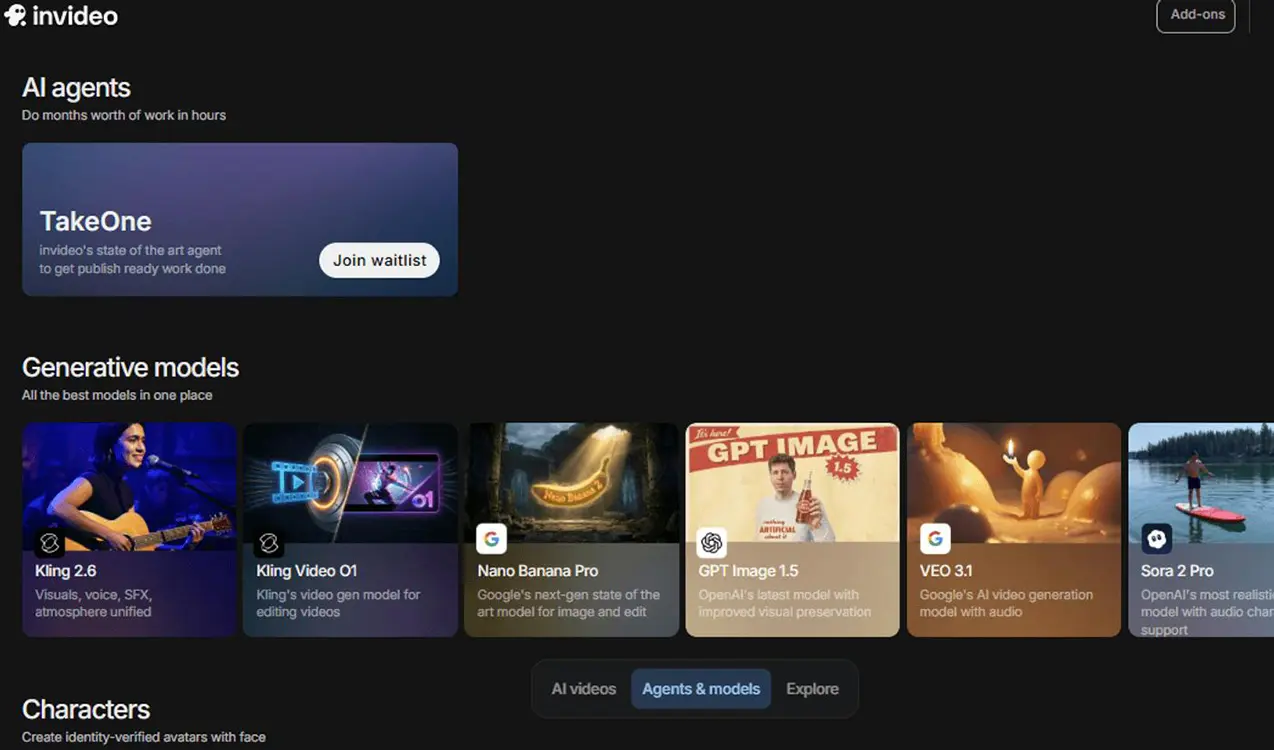
InVideo provides access to multiple video, image, and audio generation models. Model availability depends on the plan, with higher-tier plans providing broader model access.
Can teams use InVideo AI? +
Yes. InVideo offers dedicated Team, Scale, and Enterprise plans with multiple seats, collaborative editing, shared workspaces, and additional team management features.
Does InVideo AI offer an Enterprise plan? +
Yes. The Enterprise plan provides custom credits, unlimited seats, custom model access, advanced security and controls, custom storage, and dedicated support.
Do InVideo AI credits roll over? +
No. Unused monthly credits do not roll over to the next billing period.

Pros & Cons

Pros

  • AI Video Generation: Create complete videos from text prompts, scripts, and ideas.
  • AI-Powered Editing: Generate and refine videos using AI-assisted editing tools.
  • Multiple AI Models: Access a wide range of video, image, and audio generation models.
  • Built-in Stock Media: Use premium stock footage and other media assets within the platform.
  • AI Voice & Audio Tools: Add voiceovers, music, and other AI-generated audio to videos.
  • Storyboard & Timeline Editing: Plan video scenes and refine projects with a multitrack timeline.
  • Team Collaboration: Work together through multiplayer editing and shared workspaces.
  • Enterprise Features: Offers custom models, security controls, support, and workflows for larger organizations.
Cons

  • Credit-Based Generation: AI video and other generative features consume monthly credits.
  • Credits Do Not Roll Over: Unused monthly credits expire at the end of the billing period.
  • Plan-Based Model Access: Some advanced AI models and features are only available on higher-tier plans.
  • Higher Cost for Heavy Usage: Frequent AI generation can require more expensive plans or additional capacity.
  • Feature Restrictions: Storage, seats, model access, and other capabilities vary significantly between plans.

Reviews

There are no reviews yet.

Be the first to review “InVideo”

Your email address will not be published. Required fields are marked *

fourteen + three =