
Home - AI Image Tools - Midjourney
Midjourney Tool Logo

Pricing model: Original price was: $10.00.Current price is: $8.00. Per Month

Follow in social:

Midjourney

Midjourney: Explore AI Image & Video Creation

Midjourney is a generative AI platform known for creating highly detailed images from text and visual references. Explore Midjourney’s image and video tools, creative features, pricing, and plans to see if it fits your visual workflow.
AI Video Tools
Video Tools
AI Image Tools
Image Tools
Use Case
Content Creation
Image Generation
Video Creation
Target Audience
Beginners
Marketers
Designers / Creators
Business / Teams
Output Type
Image
Video
Pricing Model
Subscription
Free Plan​
No
API Access
No
Platform / Access Type
Web App
Mobile App
Limitations
No free plan
Usage Limit
Feature Restrictions
Plan Restrictions
Team & Collaboration
Individual Only

Tool Overview

What Is Midjourney?

Midjourney is a generative AI platform focused on creating and transforming visual content. It is best known for producing detailed, stylized images from text prompts and visual references, while also offering tools for editing images and turning still images into short videos.

Unlike general-purpose AI assistants, Midjourney is built primarily around visual creation. Its workflow gives creators control over the visual direction of their work through prompts, image references, personalization, style controls, and editing tools.

Midjourney is particularly useful for concept development, marketing visuals, character design, moodboards, product concepts, social media content, and other creative workflows where visual quality and artistic direction matter.

What Can You Use Midjourney For?

Midjourney can be used across a wide range of visual production workflows, from quickly exploring an idea to developing polished images for creative and commercial projects.

Concept & Idea Development:

Turn rough ideas into visual concepts and explore different compositions, styles, environments, characters, and art directions before investing in production.

Marketing & Advertising:

Create campaign concepts, promotional imagery, social media visuals, product scenes, and creative assets without starting every project with a traditional photoshoot or design process.

Character & World Design:

Develop characters, environments, costumes, and visual worlds for games, films, animation, publishing, and other storytelling projects.

Product Visualization:

Experiment with product concepts, packaging ideas, lifestyle scenes, and different visual treatments before moving into photography or final production.

Social Media Content:

Produce distinctive visual assets for platforms where strong imagery plays an important role in attracting attention and communicating an idea quickly.

Image Editing & Iteration:

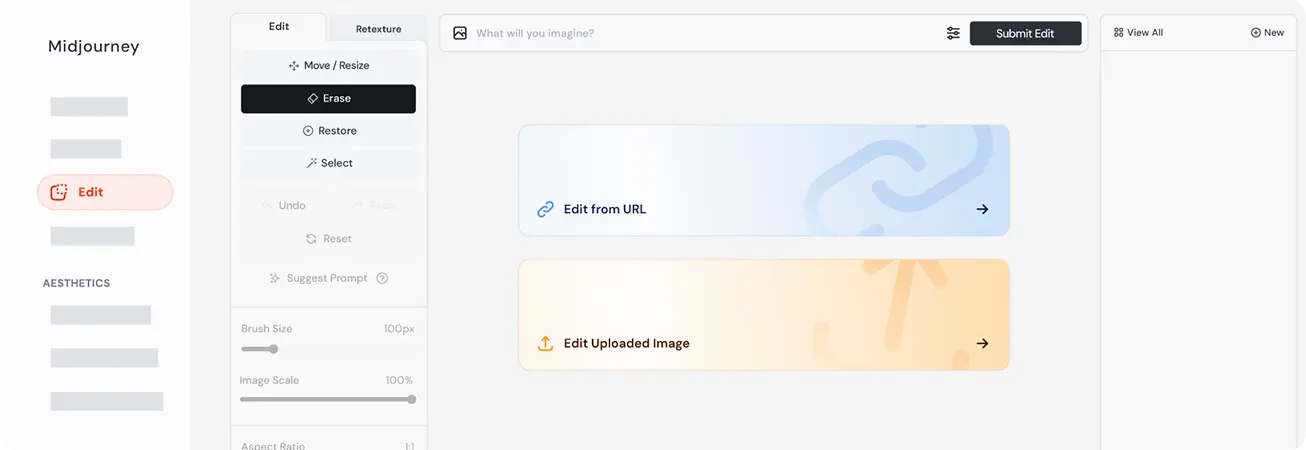
Refine existing images, modify visual elements, extend compositions, and explore alternative versions rather than generating every image from scratch.

Image-to-Video Creation:

Turn selected Midjourney images into short animated clips, making it possible to move from still-image creation to simple motion content within the same creative ecosystem.

The biggest advantage is speed: Midjourney allows creators to explore many visual directions in minutes, making it especially valuable during the ideation and iteration stages of a project.
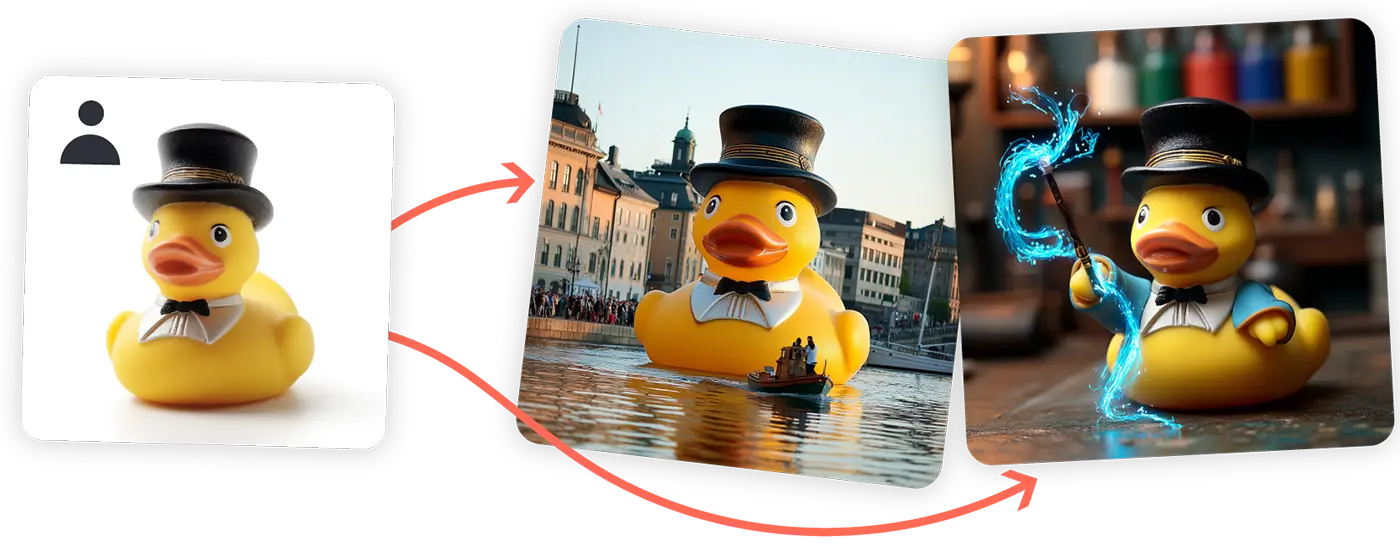
Midjourney AI image generation results

Who Is Midjourney For?

Midjourney is primarily designed for people who work with visual ideas and need to explore or produce high-quality creative assets quickly.

Designers & Creators:

A strong fit for concept artists, illustrators, filmmakers, photographers, and other creatives who want to explore visual directions without building every asset manually.

Marketers:

Useful for developing campaign concepts, advertising visuals, social media content, product imagery, and creative variations.

Businesses & Teams:

Can help teams prototype visual ideas and create marketing or creative assets without requiring a full production workflow for every concept.

Beginners:

Midjourney can be approachable for users who want to create professional-looking visuals without advanced design or illustration skills, although getting consistent and highly controlled results takes practice.

Storytellers & Creative Professionals:

Particularly valuable for developing characters, environments, moodboards, story concepts, and visual references during pre-production.

Midjourney is less suitable for users primarily looking for a general AI assistant, text generation, coding, research, or data analysis. Its strength is visual creation rather than broad productivity.


Key Features

Advanced Image Generation

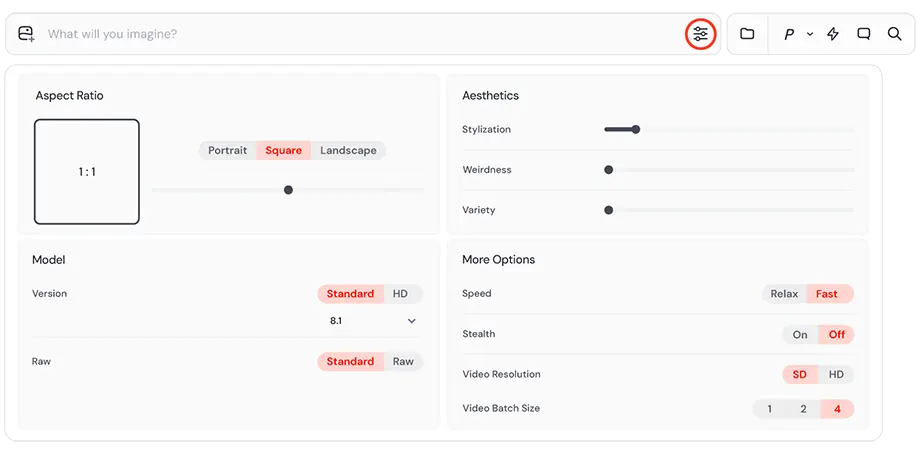
Generate detailed, highly stylized images from natural-language prompts with strong control over composition, visual style, and creative direction.

Image Prompts & References

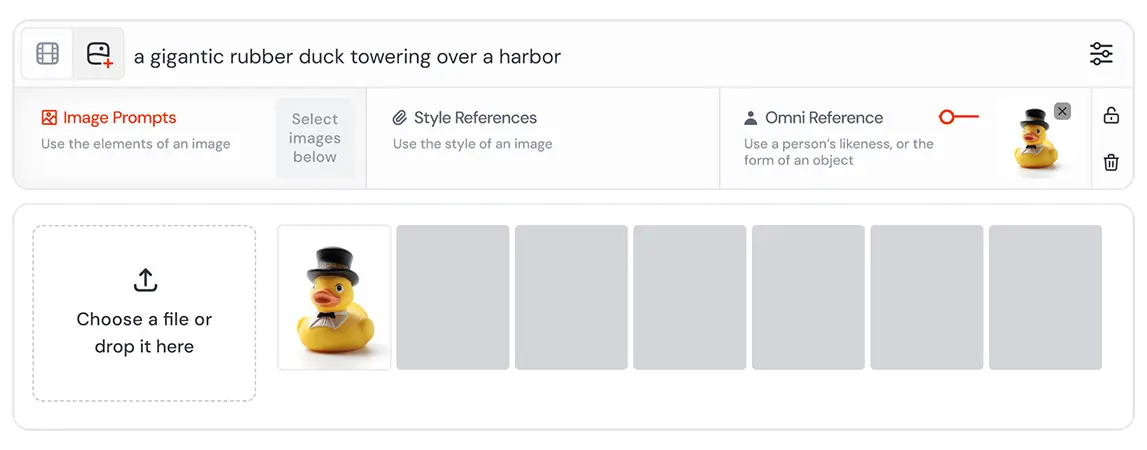
Use existing images as visual references to guide the look, composition, character, or overall direction of generated images.

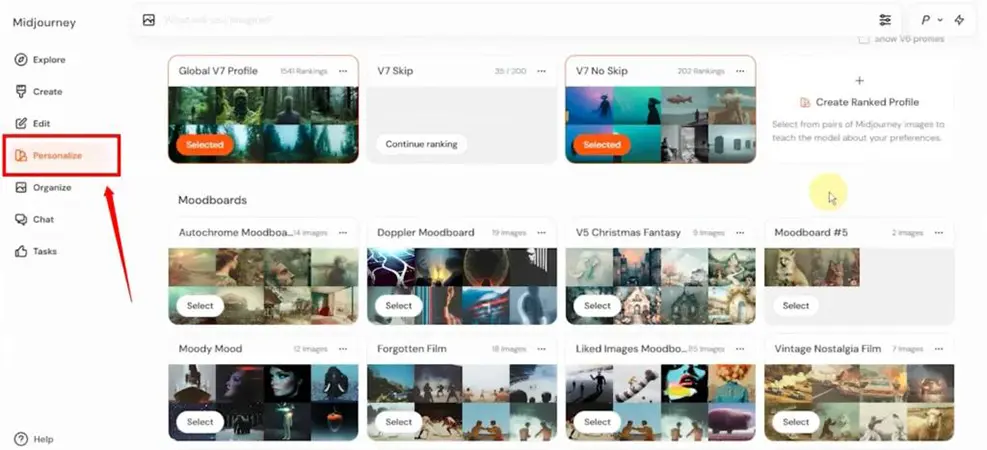
Style & Personalization

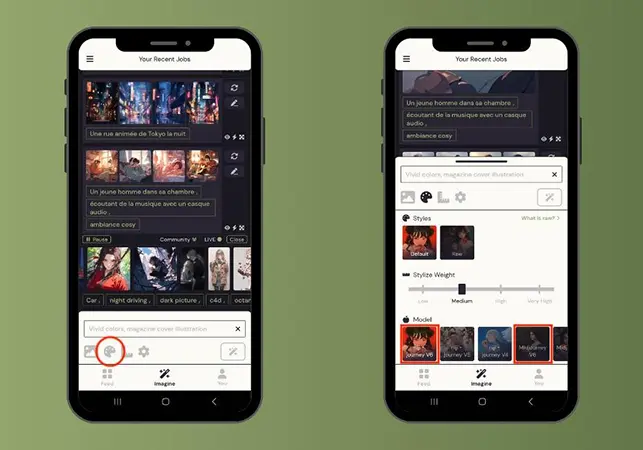
Customize the visual direction of generations using style controls and personalization features, helping users create results that better match their preferred aesthetic.

Powerful Image Editing

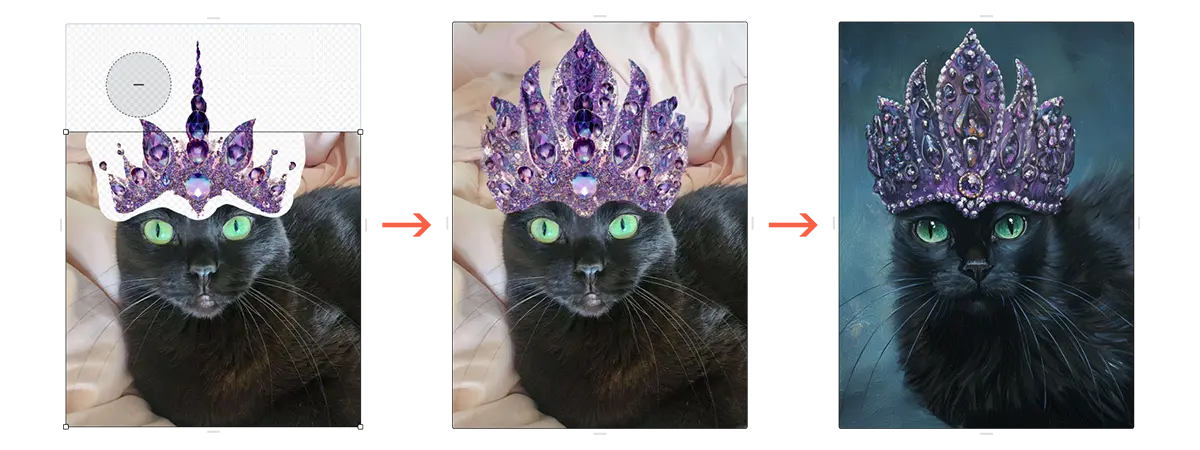
Modify and expand existing images, experiment with different visual elements, and refine compositions without having to regenerate an entire concept from scratch.

Creative Consistency & Style Control

Use Midjourney's reference and personalization features to maintain a more consistent visual identity across related generations—particularly useful for characters, campaigns, and creative projects.

Image-to-Video

Turn selected images into short animated videos, allowing creators to extend static visual concepts into motion content.

Web-Based Creative Workflow

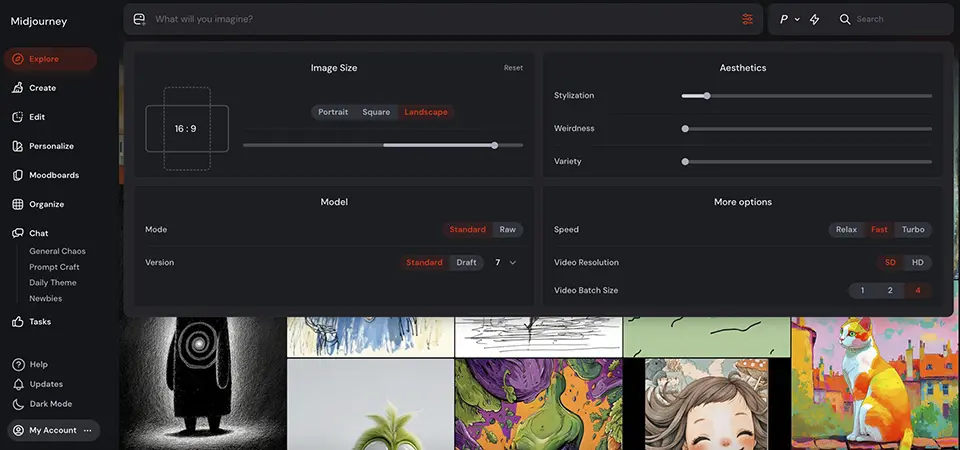
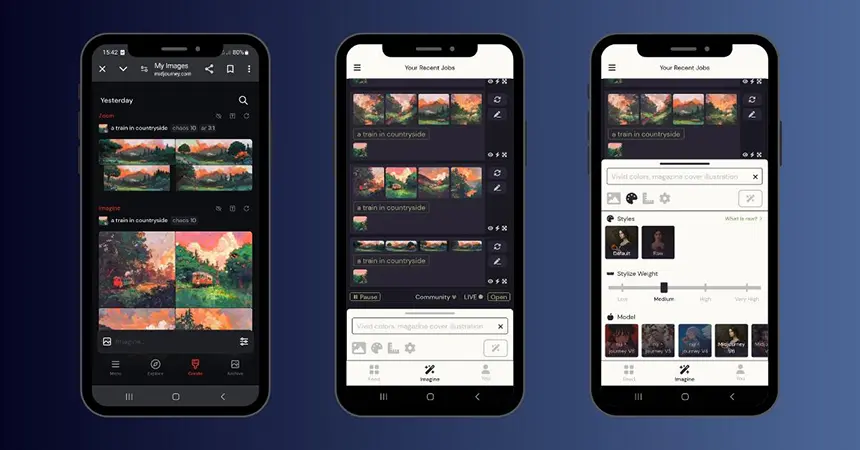
Create, organize, explore, and refine visual work directly through Midjourney's web interface rather than relying exclusively on Discord-based workflows.

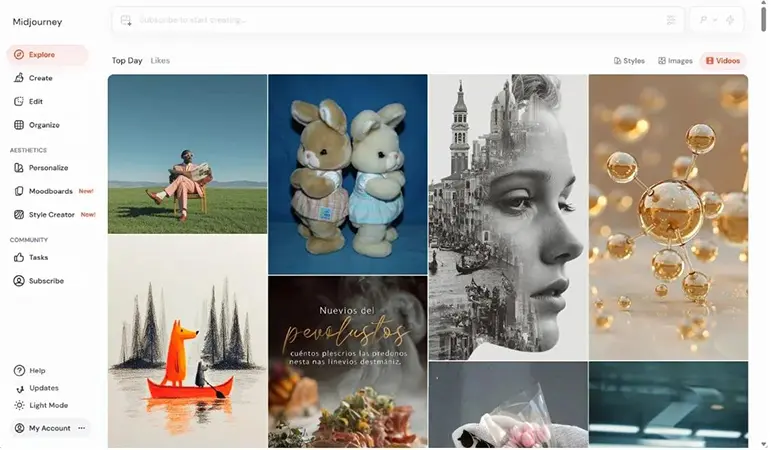
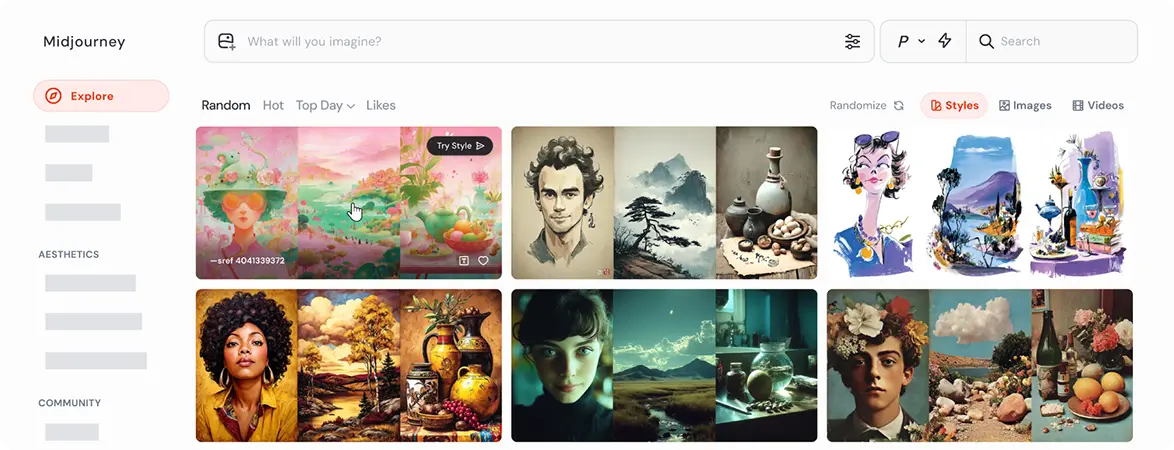
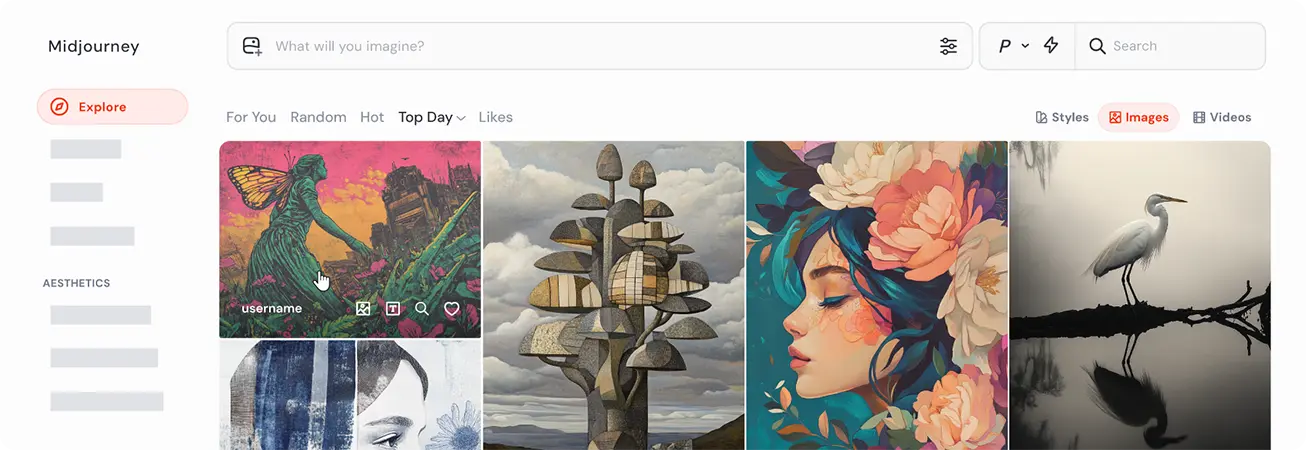
Explore Community Creations

Browse creations from other Midjourney users to discover visual ideas, study prompting approaches, and find inspiration for new creative directions.

Midjourney uses a subscription-based pricing model with four plans: Basic, Standard, Pro, and Mega. The main difference between the plans is the amount of Fast GPU Time available each month, while higher tiers also add features such as unlimited Relax Mode generations and Stealth Mode.

For most users, the right plan depends on how frequently they generate images and how much experimentation their workflow requires. Basic is suitable for occasional use, while Standard offers a better balance for active creators. Pro and Mega are designed for professionals and high-volume workflows that need more generation capacity and additional privacy controls.

Pricing & Plans

Basic — $10/month

The Basic plan is designed for users who want to explore Midjourney without needing a large amount of generation capacity. It includes 3.3 hours of Fast GPU Time per month and access to the core image-generation features. Best for: Casual creators, beginners, and users who generate images occasionally.

Standard — $30/month

The Standard plan significantly increases generation capacity with 15 hours of Fast GPU Time and unlimited Relax Mode image generations. It is a better fit for users who create images regularly and want more room for experimentation. Best for: Active creators, designers, and marketers.

Pro — $60/month

The Pro plan provides 30 hours of Fast GPU Time, unlimited Relax Mode image generations, and additional privacy capabilities through Stealth Mode. It is aimed at professionals who generate content frequently or work with projects that require greater privacy. Best for: Professional creators, agencies, and commercial users.

Mega — $120/month

The Mega plan provides 60 hours of Fast GPU Time alongside unlimited Relax Mode image generations and Stealth Mode. It is designed for high-volume users who need significantly more generation capacity. Best for: Studios, agencies, and heavy professional users.

Annual Billing

Midjourney offers a 20% discount for annual subscriptions, making the effective monthly prices:

Basic: $8/month
Standard: $24/month
Pro: $48/month
Mega: $96/month

The annual price is charged upfront rather than monthly.

Choosing a Midjourney plan mainly comes down to how often you create and how much GPU time you need. The Basic plan is enough for occasional exploration, while Standard is the most practical option for users who generate images regularly. Pro and Mega are better suited to professional and high-volume workflows, with more Fast GPU Time and access to Stealth Mode.

All paid plans provide access to Midjourney’s core creative capabilities, but the amount of Fast GPU Time increases significantly as you move up the tiers. Standard and higher plans also include unlimited image generations in Relax Mode, making them more suitable for users who need to experiment frequently without consuming Fast GPU Time for every generation.

Feature Basic Standard Pro Mega
Monthly Price $10 $30 $60 $120
Annual Equivalent $8/mo $24/mo $48/mo $96/mo
Fast GPU Time 3.3 hrs 15 hrs 30 hrs 60 hrs
Relax Mode Unlimited* Unlimited* Unlimited*
Stealth Mode
Best For Casual Users Active Creators Professionals High-Volume Users

* Unlimited Relax Mode applies to image generations under the applicable plan terms.

User Environment

FAQ

Is Midjourney free to use? +
No. Midjourney does not currently offer a general free plan for its main platform. Access requires a paid subscription, with Basic, Standard, Pro, and Mega plans available.
How much does Midjourney cost? +
Midjourney's plans start at $10 per month for the Basic plan. Annual subscriptions receive a 20% discount, reducing the effective monthly price to $8 for the Basic plan.
What can you create with Midjourney? +
Midjourney is primarily designed for generating and editing images. It can be used for concept art, character design, marketing visuals, product concepts, illustrations, social media content, moodboards, and other creative projects. It can also turn generated images into short videos.
Can Midjourney generate videos? +
Yes. Midjourney can animate images into short video clips, but its primary focus remains AI image creation. Users can start with a Midjourney image and generate motion from it, making the platform useful for simple image-to-video workflows as well as still-image creation.
Does Midjourney have an API? +
No. Midjourney does not currently provide a public official API for developers to integrate its image-generation models into their own applications.
Can I use Midjourney images commercially? +
Yes. Midjourney allows subscribers to use images they create commercially, subject to its current Terms of Service. Companies with more than $1 million in annual gross revenue must use a Pro or Mega plan for commercial use.
Can Midjourney edit existing images? +
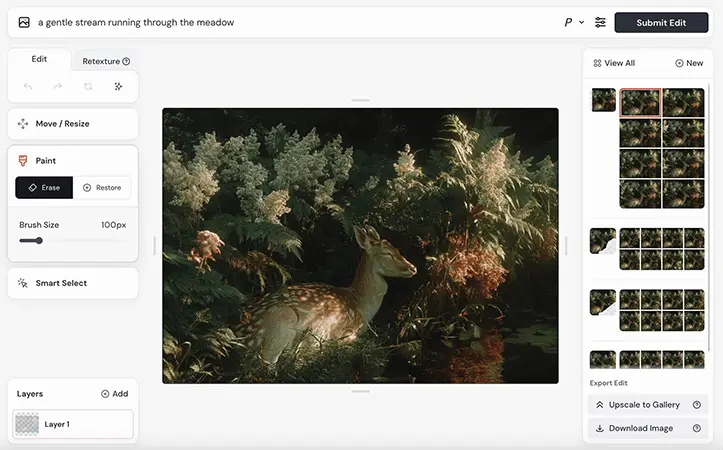
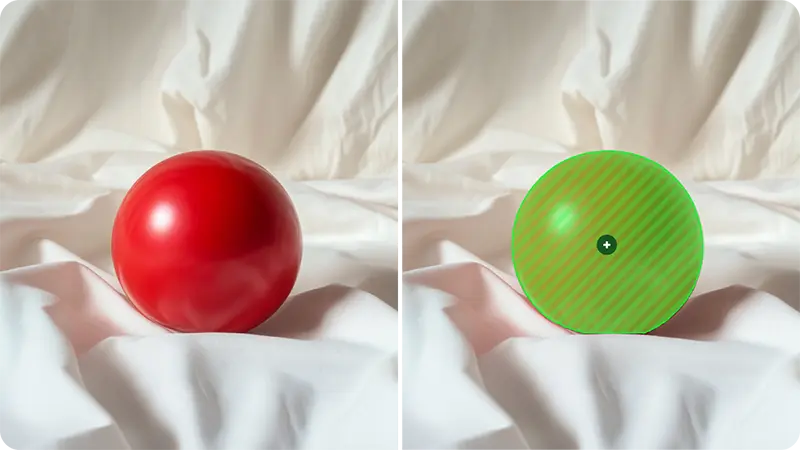
Yes. Midjourney's Editor allows users to upload images and modify, extend, or transform them. Features such as inpainting, zooming, panning, and other editing controls make it possible to refine existing visual material rather than always starting from a blank prompt.
Can Midjourney create consistent characters? +
Midjourney provides reference and personalization features that can help maintain visual consistency across generations. However, consistency is not guaranteed, particularly when poses, compositions, environments, or styles change significantly.
Is Midjourney good for beginners? +
Yes, but there is a learning curve. Beginners can create impressive images relatively quickly, but achieving predictable results requires understanding prompting, references, personalization, and Midjourney's creative controls.
Is Midjourney better than ChatGPT for image generation? +
It depends on the workflow. Midjourney is more specialized around visual creation, artistic direction, and image exploration, while ChatGPT combines image generation with writing, research, coding, analysis, and general AI assistance. Users focused primarily on visual creation may prefer Midjourney, while users looking for a broader AI assistant may find ChatGPT more versatile.

Pros & Cons

Pros

  • High-Quality Visual Output: Produces detailed and visually distinctive images with strong artistic quality.
  • Strong Creative Control: Offers extensive controls for style, composition, references, personalization, and visual direction.
  • Excellent for Ideation: Makes it fast to explore multiple concepts, styles, characters, and creative directions.
  • Powerful Reference Tools: Image references and personalization features help guide generations toward a desired visual direction.
  • Advanced Image Editing: Allows users to modify, expand, and refine existing images within the platform.
  • Active Creative Community: The Explore experience provides a large source of visual inspiration and examples.
  • Image-to-Video Generation: Extends the platform beyond still images by allowing users to animate generated images.
  • Strong Choice for Visual Creators: Particularly useful for designers, marketers, artists, and other creative professionals.
Cons

  • No General Free Plan: Users need a paid subscription to access the main Midjourney platform.
  • Learning Curve: Getting consistently predictable results requires time and experimentation.
  • Limited Developer Integration: No public official API is available for typical third-party application integrations.
  • Generation Costs Can Add Up: Heavy users may need higher-tier plans because generation capacity depends on available GPU time.
  • Less Suitable for General AI Tasks: Midjourney is primarily a visual creation platform rather than an all-purpose AI assistant.
  • Privacy Limitations on Lower Plans: Stealth Mode is only available with Pro and Mega plans.
  • Consistency Isn't Perfect: Reference and personalization tools improve consistency but don't guarantee identical characters or objects across every generation.

Reviews

There are no reviews yet.

Be the first to review “Midjourney”

Your email address will not be published. Required fields are marked *

one × 2 =