


Luma
Verified listingLuma is an AI-powered creative platform designed to help users generate, edit, and transform visual content with artificial intelligence. Its tools support video and image generation, creative editing, and AI-powered workflows, bringing multiple generative capabilities into a single workspace.


Atmospheric clips, image animation, and visual experiments.
What is Luma?
Luma is an AI-powered creative platform designed to help users generate, edit, and transform visual content with artificial intelligence. Its tools support video and image generation, creative editing, and AI-powered workflows, bringing multiple generative capabilities into a single workspace.
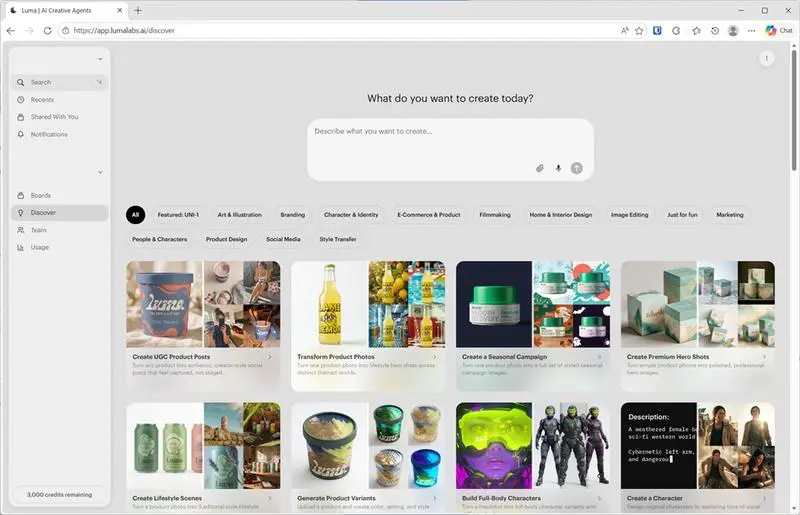
Luma also provides access to advanced AI models and creative agents that can help users plan, generate, refine, and iterate on content. This makes Luma useful for everything from quick creative experiments to more structured video and visual production workflows.
What can you use Luma for?
Luma can be used for a wide range of AI-powered image and video creation tasks, from generating visual concepts to producing and refining finished content. Its combination of generative models, editing tools, and AI-powered workflows makes it useful for creators, marketers, and teams working with visual content.
Text-to-Video Generation
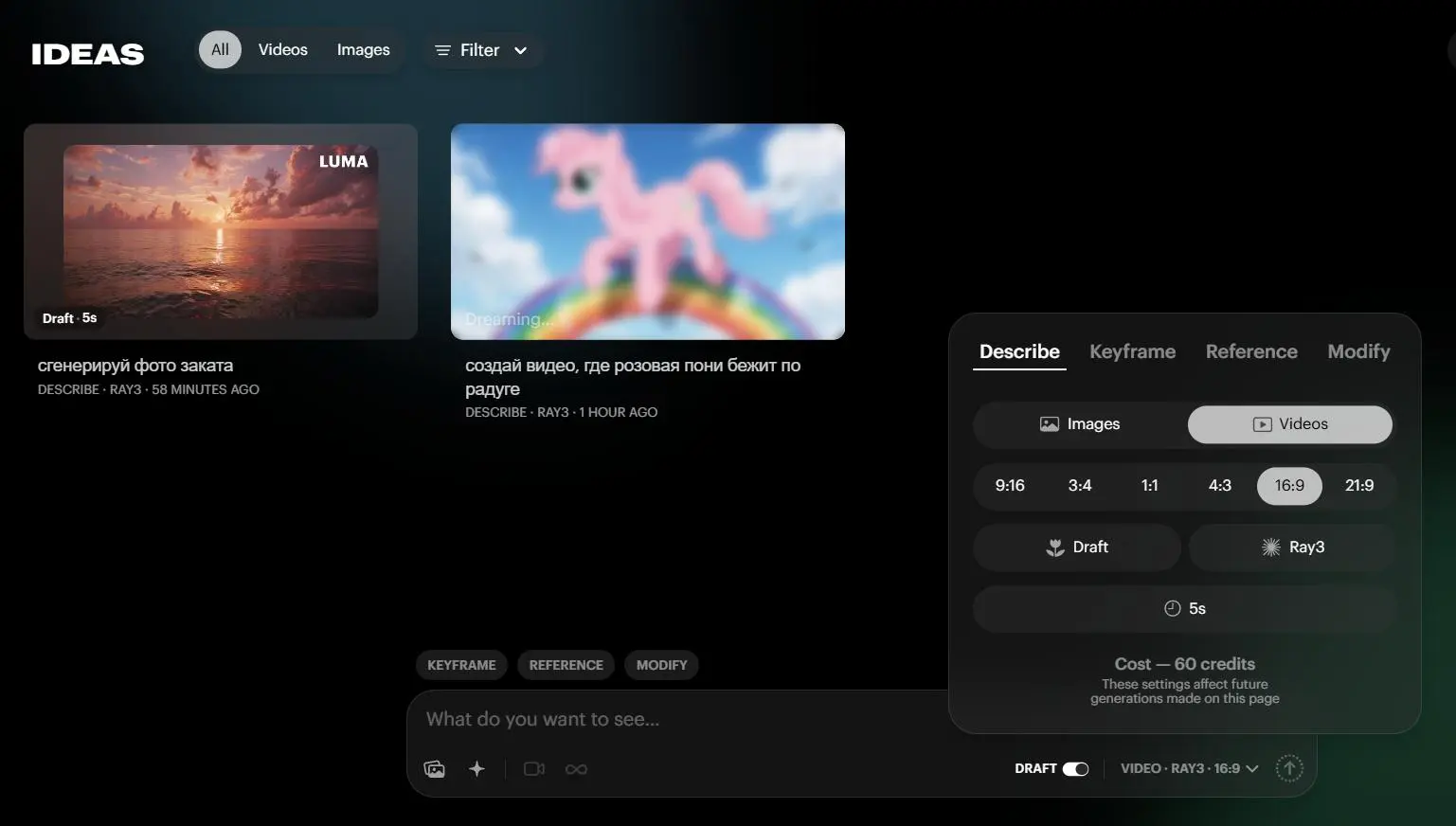
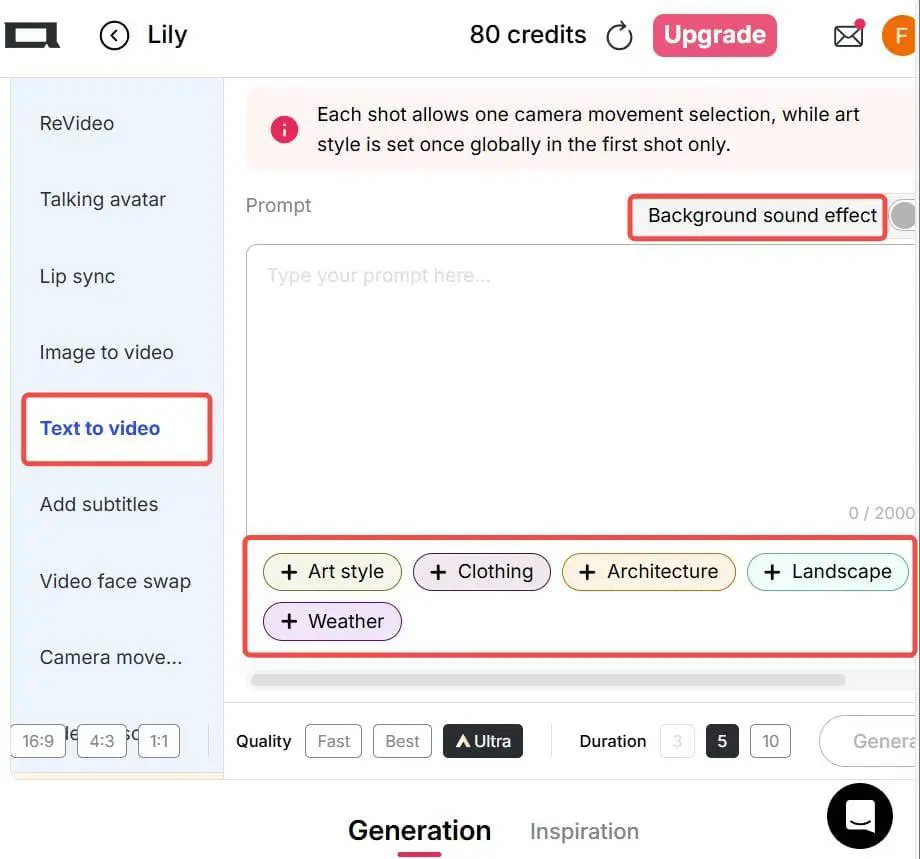
Create videos from written prompts and turn ideas into visual scenes using Luma’s AI video generation capabilities.
Image-to-Video
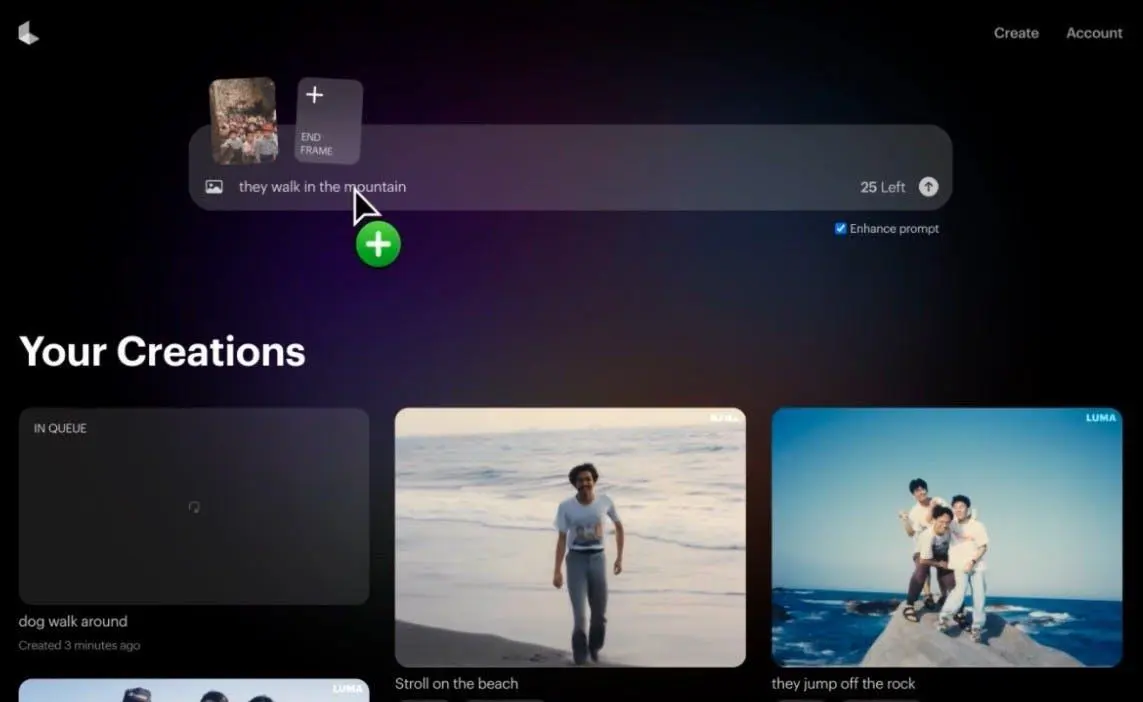
Transform still images into dynamic video content, bringing characters, products, scenes, and concepts to life.
AI Image Generation
Generate visual concepts, scenes, characters, and creative assets from text prompts for a variety of content creation needs.
Video Transformation
Modify, extend, reframe, and refine existing video content using Luma’s AI-powered video tools.
Creative Prototyping
Quickly explore different visual ideas, styles, characters, scenes, and creative directions before moving into full production.
Marketing Content
Create visual assets for social media, advertising campaigns, product promotion, and other marketing workflows.
AI-Powered Workflows
Use Luma’s AI agents and creative tools to plan, generate, and refine content across multiple steps and creative tasks.
Content Production
Combine AI generation and editing capabilities to support more structured video and visual production workflows.
Who is Luma for?
Luma is designed for users who want to create, edit, and experiment with AI-generated visual content. Its combination of video and image generation, creative editing tools, and AI-powered workflows makes it suitable for both individual creators and professional teams.
Beginners
Users who want to experiment with AI-generated images and videos without needing advanced technical or video-editing skills.
Marketers
Marketers can use Luma to create visual content for social media, advertising campaigns, product promotions, and other marketing activities.
Designers & Creators
Visual creators can use Luma to develop concepts, generate images and videos, experiment with different styles, and refine creative ideas.
Business & Teams
Businesses and creative teams can use Luma to support content production, visual prototyping, marketing workflows, and collaborative creative projects.
Key features
AI Video Generation
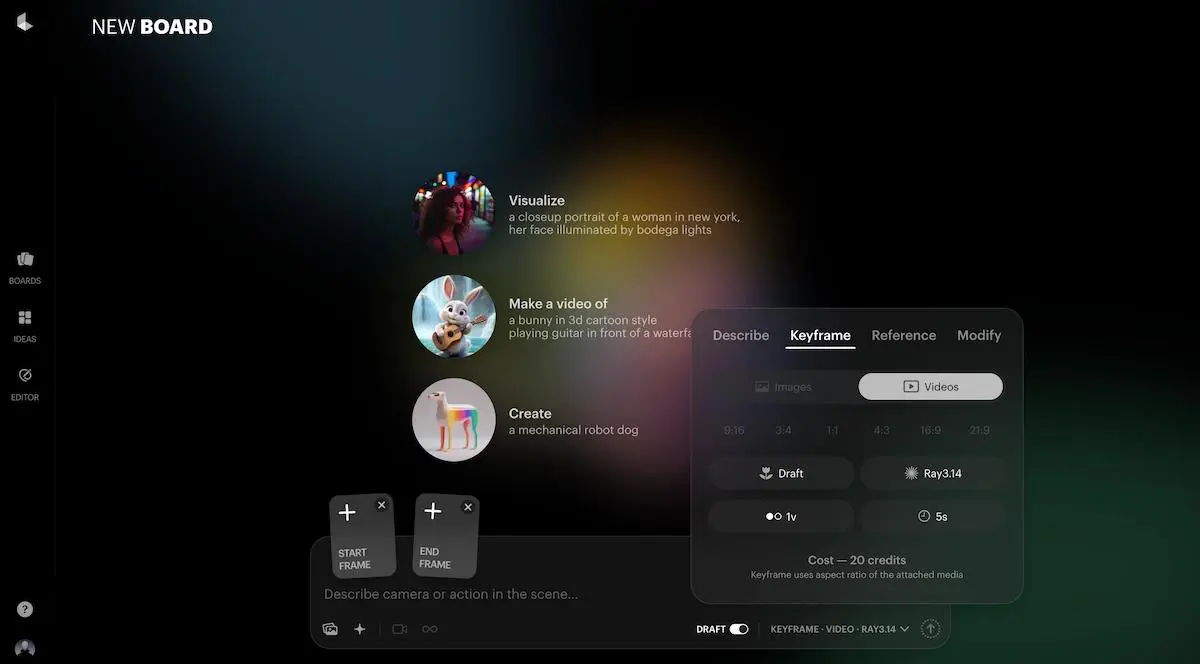
Generate AI videos from text prompts and visual inputs using Luma's generative video models. Create cinematic scenes, product visuals, creative concepts, and other video content with control over the visual direction.
Image-to-Video Generation
Transform still images into animated video sequences while preserving key visual elements and bringing static scenes to life.
AI Image Generation
Generate images from text prompts for creative concepts, visual assets, characters, scenes, and other image-based content.
Video Modification
Modify and transform existing videos with AI while changing visual elements, styles, or other aspects of the original footage.
Video Extension
Extend existing video clips to create longer sequences while maintaining visual continuity between the original footage and the generated content.
Reframe
Adapt video content to different aspect ratios and formats, making existing footage suitable for platforms with different visual requirements.
AI Agents
Use AI-powered agents to plan, generate, refine, and iterate on creative projects through multi-step workflows.
Multi-Model Creative Workflows
Work with different AI models and capabilities within a unified creative environment, allowing users to combine generation, editing, and refinement tools in a single workflow.
Creative Editing Tools
Refine generated content and experiment with different visual directions through AI-powered editing and transformation tools.
Pricing & plans
Prices are shown in USD and should be verified on the vendor’s site before purchase. Last verified Oct 30, 2026.
Luma offers subscription plans designed for different levels of AI-powered creative production. Plans provide access to Luma’s image and video generation capabilities, with higher tiers offering more monthly credits and greater access to advanced features.
| Plan | Price | Access | Usage | Advanced Features | Best For |
|---|---|---|---|---|---|
| Free | $0 | Limited | Limited | Core creative tools | Testing & experimentation |
| Plus | $30/month | Expanded | Higher limits | Creative generation & editing | Individual creators |
| Pro | $90/month | Extended | Higher limits | Advanced creative capabilities | Professional creators |
| Ultra | $300/month | Highest | Highest limits | Full creative access | High-volume production |
Free
Plus — $30/month
Pro — $90/month
Ultra — $300/month
Official site — 10 USD. Check the vendor page.
User environment
FAQ
Is Luma free to use?
Luma offers limited free access, allowing users to explore its AI-powered creative tools before choosing a paid subscription. Free usage comes with certain limits.
What can Luma generate?
Luma can generate and transform both videos and images using AI. Its tools support text-based generation, image-to-video workflows, visual editing, and other creative transformations.
Does Luma have an API?
Yes. Luma provides an API that gives developers programmatic access to its AI image and video generation capabilities.
Does Luma generate videos from text?
Yes. Luma supports text-to-video generation, allowing users to create video sequences from written prompts.
Can Luma turn images into videos?
Yes. Luma supports image-to-video generation, allowing users to animate still images and transform them into dynamic video content.
Who is Luma best for?
Luma is suitable for creators, designers, marketers, and businesses that need AI-powered tools for generating and transforming visual content.
How much does Luma cost?
Luma's paid plans currently start at $30 per month, with higher-tier plans available for users who need greater usage limits and more advanced capabilities.
Pros & cons
Pros
- Powerful AI video and image generation capabilities
- Supports both text-to-video and image-to-video workflows
- Advanced video transformation and editing tools
- AI agents for multi-step creative workflows
- Access to multiple AI models within a unified platform
- Official API for programmatic image and video generation
- Suitable for both individual creators and professional workflows
Cons
- Paid plans can become expensive for high-volume users
- Free access comes with usage limitations
- Advanced capabilities may require higher-tier plans
- AI-generated results can vary depending on the prompt and input
- Some features may require significant credits for repeated generation
Clip lengths are limited; complex scenes can drift; credits are consumed quickly.
Related tools

Runway
AI Video GenerationAn all-round video studio with generation and editing.

Kling
Image-to-VideoExpressive image-to-video with strong motion control.

Google Flow
AI Video GenerationGoogle’s AI filmmaking workspace built on Veo.

HeyGen
AI Avatars & Talking HeadsAI avatars and video translation for global teams.
Reviews & ratings
A strong default for my workflow
I tested it on a real project rather than a demo prompt. The output was consistent, the export was clean, and the limits were easy to work within once I understood them.
Fast and predictable
It does one job much better than the general assistants. If that job is central to your workflow, the subscription pays for itself quickly.
It replaced two other tools
I used it for a client deliverable and the result passed review without a rewrite. That is the highest compliment I can give a tool in this category.
Good, with a learning curve
The interface is fast and the core feature is excellent. Some of the surrounding controls are still rough, so expect a short adjustment period.
The output needs less cleanup
I hit one limitation that was not obvious from the marketing page. Support explained it clearly, and there is a workaround, but it is worth knowing before committing.
Excellent for the price
Good value for a small team. The free tier is useful for evaluation, and the paid plan is predictable enough to budget for.
Reliable after a month
The first run was unimpressive, but after rewriting the brief the quality improved a lot. Worth spending twenty minutes learning how it wants to be prompted.
Great quality, clear limits
I compared it with two alternatives over several days. This one was easier to fit into the existing workflow and the pricing made sense for occasional use.
Worth the switch
The strongest part is how little correction the result needs. It is not magic, but it saves a meaningful amount of time on the work I repeat every week.
My team actually uses it
After a month of regular use it has become part of the default stack. The export options and documentation are what make it stick.
Discussion
Open discussionAsk a question about Luma or share a workflow. Threads are tagged to this tool.
Talk about Luma
Related articles

Take Luma for a spin.
Visit the official site, check the current pricing, and see whether it fits your workflow.
No comments yet. Start the conversation below.